Pages & files
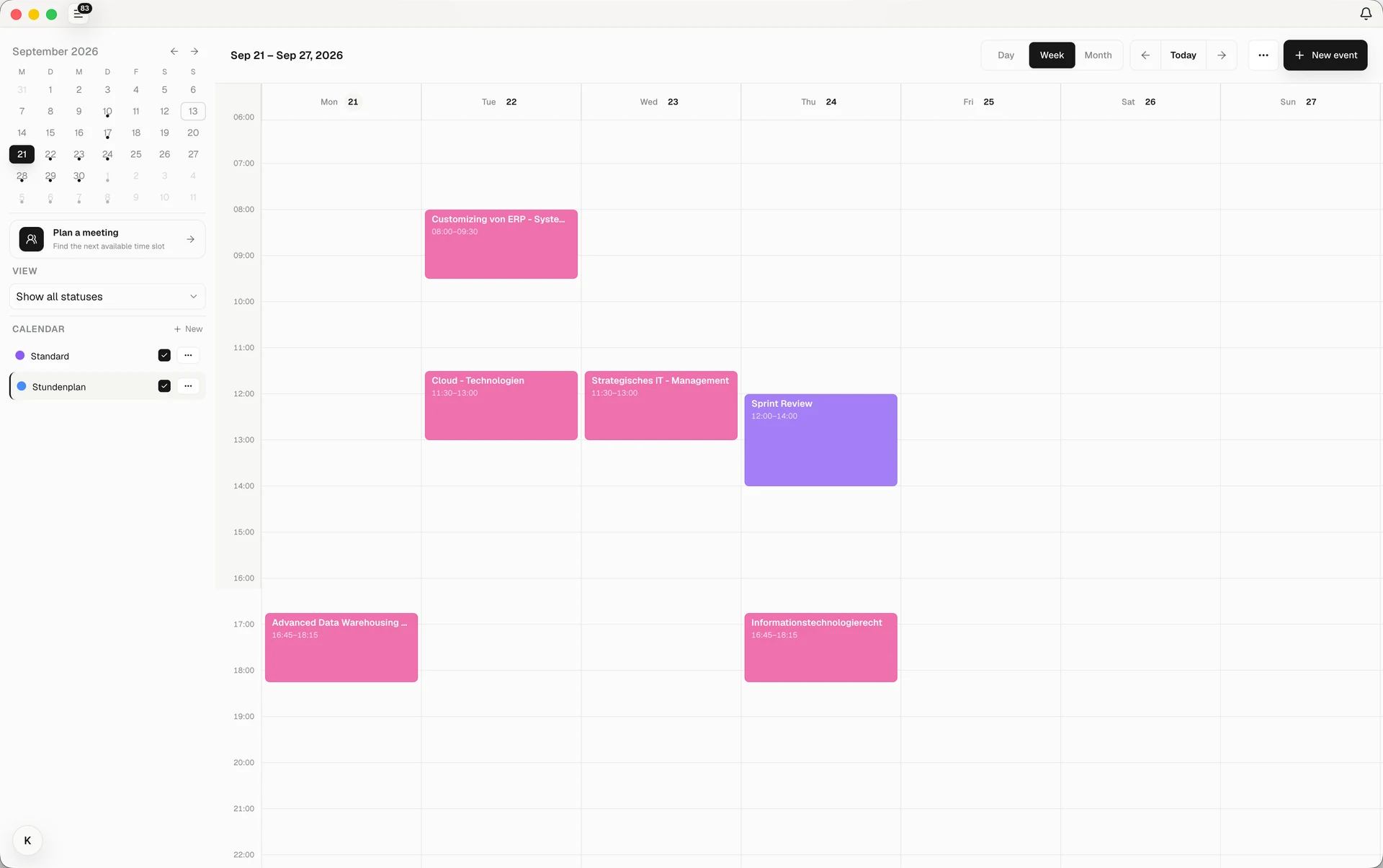
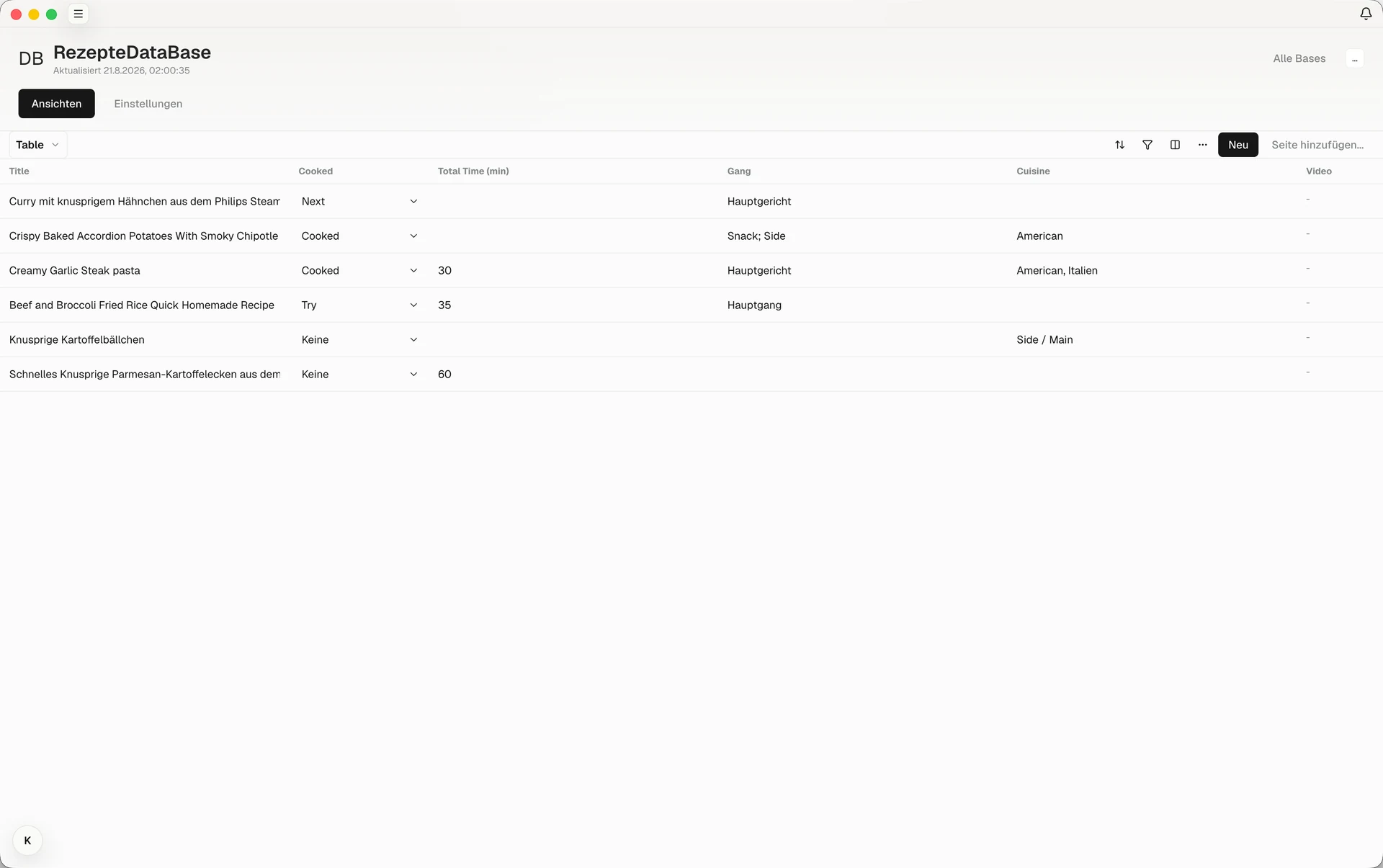
Write pages, link related notes, and keep source files with your project.
Clue is a notes app built around a visual canvas. Keep your pages, files, and plans together, and arrange them your way.
Write something down, link it to another page, and keep the rest of the project within reach.
Write pages, link related notes, and keep source files with your project.
Explore this website with Clue’s graph. Every node opens a real page.
Drag to explore · Ctrl/⌘ + scroll to zoom · Click to visit
Arrange page previews on Creative Canvas. Draw connections, group related material, and find a different way into your project.
Explore Creative Canvas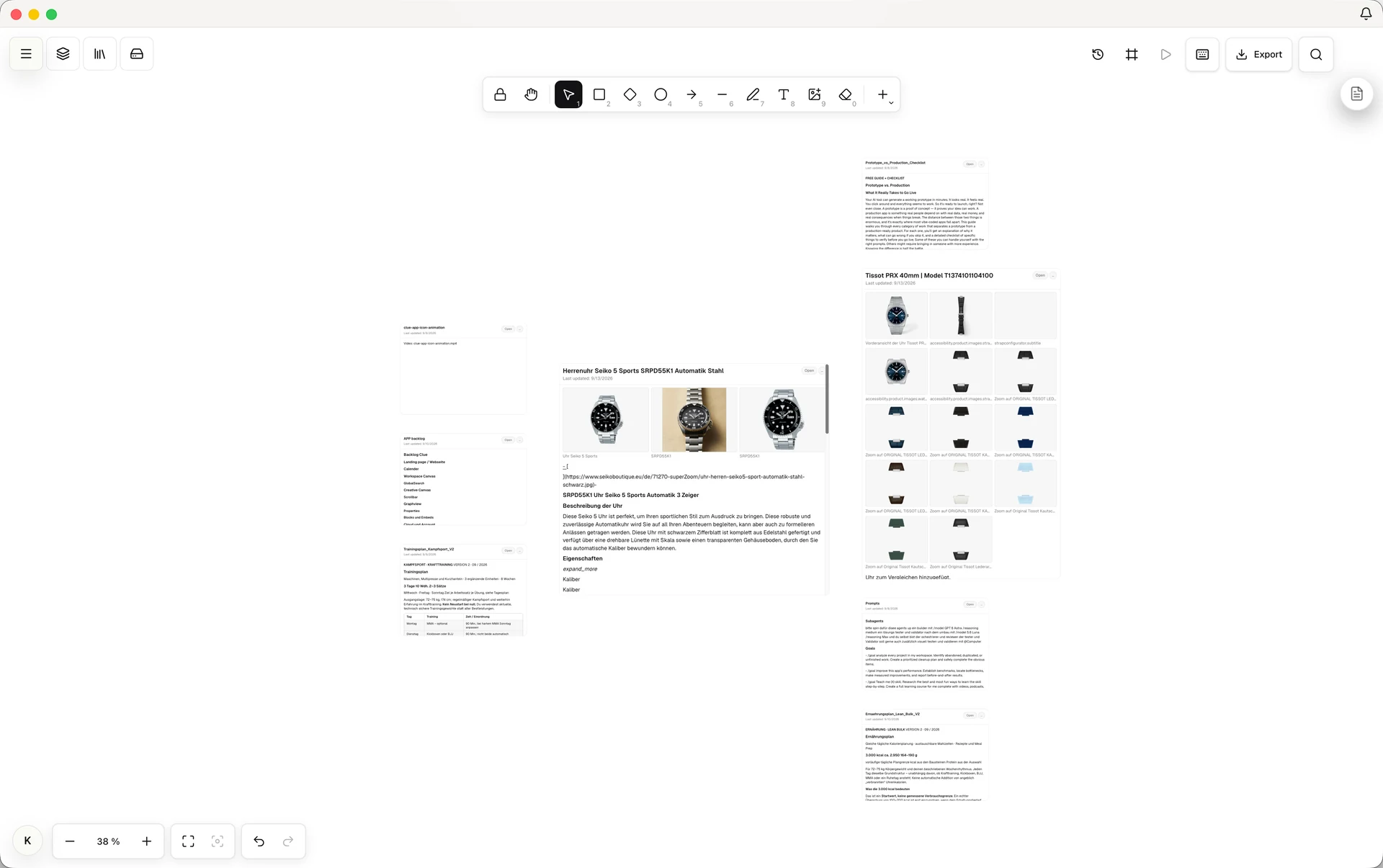
The diagram from a lecture. A passage in your reading. Search your notes, PDF contents, and images, even when you've forgotten the filename.
Remember the picture, even when you forget the filename.
Illustrative study examplesFind words inside your notes and PDFs, or search images by what they show. Use the content filters to narrow down the results and preview what you've found.
Clue combines keyword search with optional semantic search. It looks for meaning as well as exact words, with your content and queries processed locally.
Focus plans
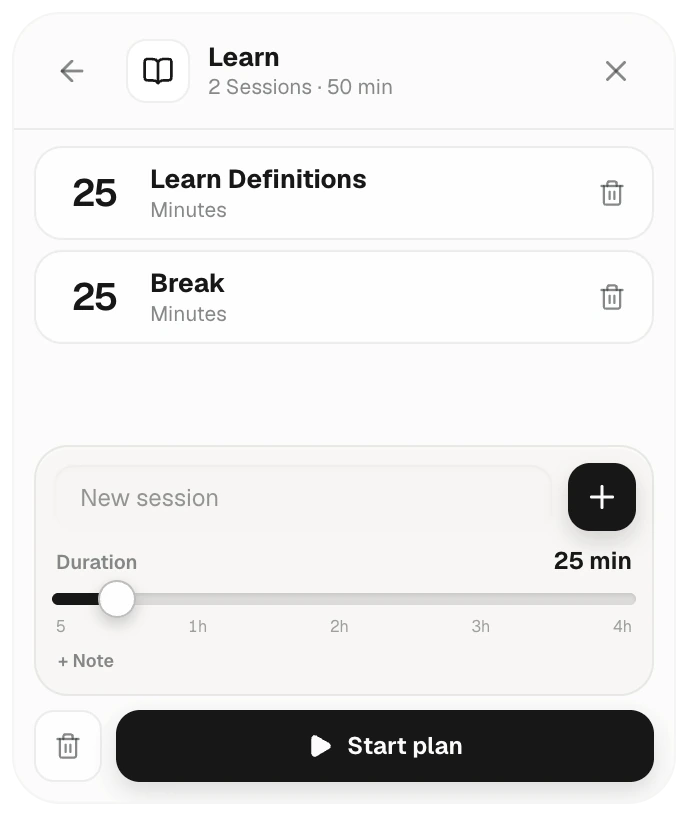
Give the next hour a little structure. Create a plan, add sessions, and choose how long to spend on each one.
Work through a chapter, learn a set of definitions, then take a break. Start the plan when you are ready.
Clue Agent Panel brings your installed Codex, Claude Code, or OpenCode into one interface. Ask your models to summarize notes, edit a draft, or organize project content directly in Clue.
Clue MCP uses the Model Context Protocol to connect compatible AI clients to your workspace. Its server runs locally while the Clue desktop app is open. Clients can find, read, and edit pages, work with tasks, calendars, and Bases, and create plugins through Clue tools.
Describe what you need and create a plugin directly in Clue with AI. Use Clue data for a custom project view, or add an independent tool such as a calculator. Plugins can add functions beyond Clue, so you can customize it around the way you work.
We don’t resell tokens.
You keep your plan.
Provider authentication, terms, and usage limits apply. OpenCode uses your configured providers. Local models work through OpenAI-compatible endpoints.
 CodexYour existing Codex setup
 Claude CodeYour existing Claude Code setup
 OpenCodeYour configured providers
The recording could not load.
Open the video fileWork on lecture notes, a group project, or a shared draft together. See each other's edits as they happen.
Share one document on your private network, or work together across devices in a CloudVault.
Learn about collaborationFrom your first lecture notes to the project you keep coming back to.
Give each course a home. Keep lecture files and your own notes together, then put deadlines and study time in the calendar.
Use folders and pages for each module.
Keep readings, PDFs, and lecture notes together.
Add assignments and focused study sessions.
Bring the research into one workspace. Write alongside the original files, keep useful references, and work through the next section.
Save papers, PDFs, and useful web clips.
Keep a working outline and your own notes.
Turn the next section into a manageable task.
Co-edit a document with a classmate on the same private network. For a whole project across devices, use a shared CloudVault.
Keep your own workspace local.
Work together without opening your whole vault.
Use a CloudVault for shared access and sync.
Start with one page and add files, tasks, or a budget as the idea grows. Sketch it out on the Creative Canvas whiteboard, or use AI to build a plugin for a tool your project needs.
A page is enough to get the idea down.
Add references, files, or project records.
Give the next step a task and a time.
Keep your workspace on your device for free. Add Cloud to access it across your devices and work with a team.
For your own workspace, on your own device.
Sync across devices and edit together in real time.
Not for local work. Your workspace lives on your device. A Clue account is needed for optional Cloud features.
You can create a Clue account or sign in with Google, Notion, or email. Google sign-in does not grant calendar access. The separate Google Calendar integration is currently unavailable and is being kept for a later release. Existing imported events remain in their workspace; members of a shared CloudVault may still be able to see them. Read how Clue handles account and calendar data.
Pages, notes, PDFs, files, web clips, videos, and supported 3D files. Add tasks, a calendar, bases, budgets, or shared expenses as you need them.
Clue Agent Panel connects to Codex, Claude Code, or OpenCode already installed on your computer. Your models can work with Clue pages, files, and plans, and help you create plugins directly in Clue. A plugin can use your Clue data or add a completely independent function. Clue doesn’t resell tokens or include a provider subscription. Authentication and usage limits depend on your provider.
Clue MCP gives compatible AI clients access to Clue tools through a local connection while the desktop app is running. A client can search and read your pages, update content, manage tasks, calendar entries, and Base records, or create a plugin. Clue asks for confirmation before changes to your vault.
Yes. Local sharing lets you co-edit an individual document on the same private network. Use a CloudVault when you need shared work across devices.
Built by Felix Schulz and Maximilian Brandenburg.
Meet ClueYour space. Your work. Your Clue.