Think with the
whole picture.
Bring page previews onto a whiteboard. Arrange, connect, and draw around the ideas you are working through.
Your pages,
side by side.
Keep the original pages in your workspace and arrange their previews on Creative Canvas. Compare source material, group research, or place a draft beside its references.
Open a page when it is time to write. Return to the canvas to see how it fits with the rest.
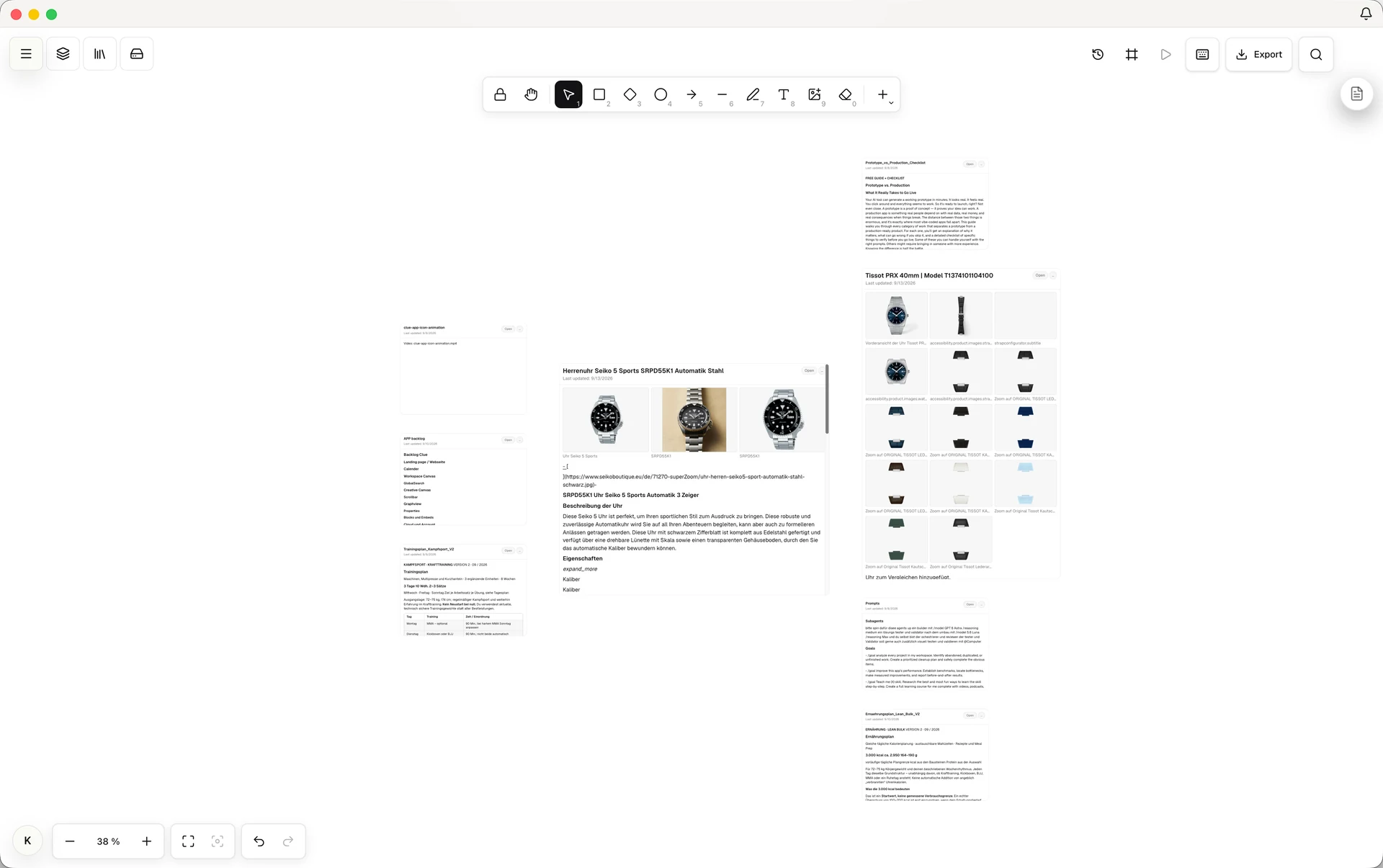
Arrange the idea.
Keep your bearings.
Use drawing tools and connectors to add structure. Align or group a selection, and manage visibility and locking in the layers panel.
The navigator helps you find pages and choose a layout, including a mindmap.
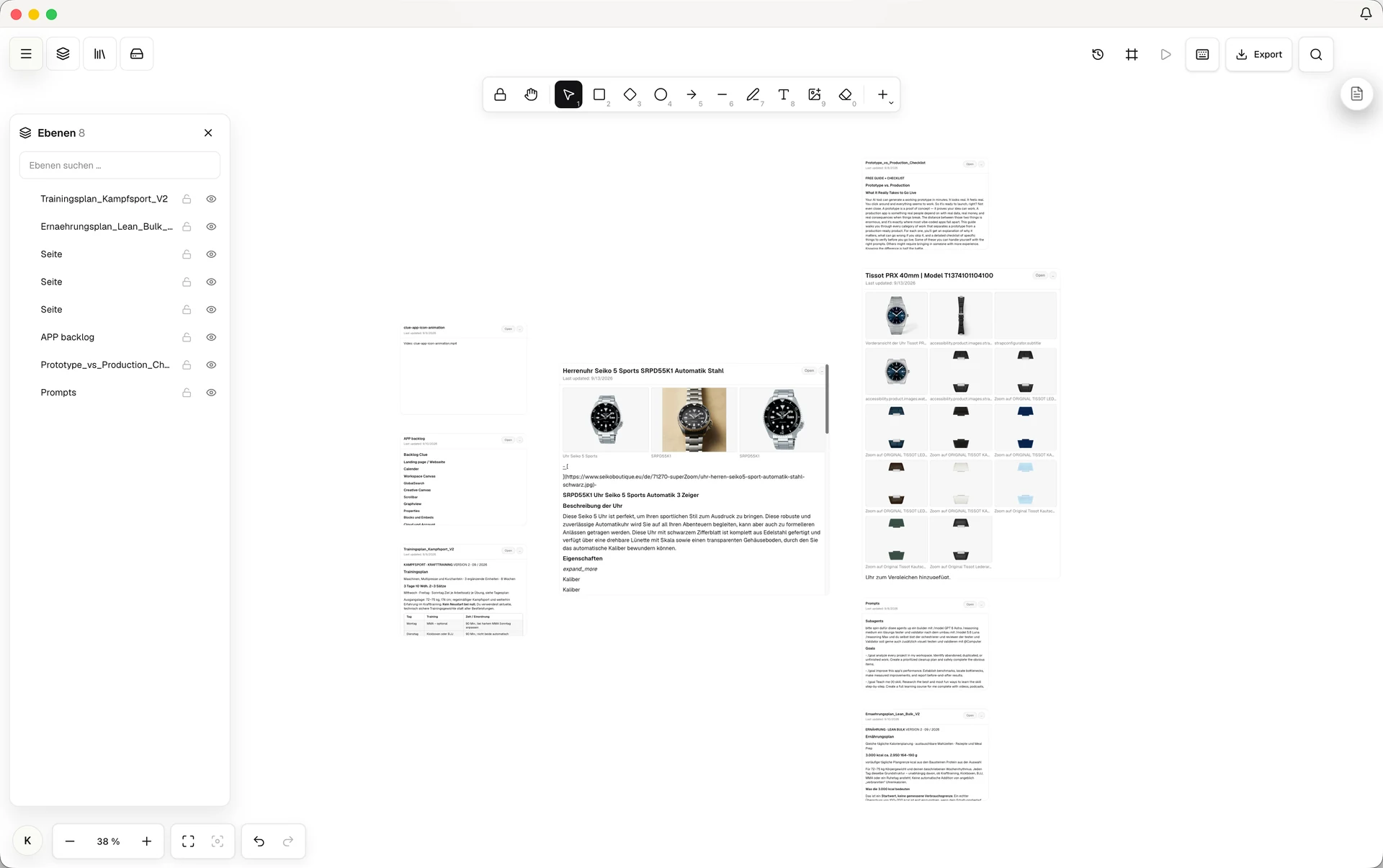
A canvas inside your workspace.
Your everyday workspace also lets you arrange pages, folders, and files spatially. Creative Canvas adds a dedicated whiteboard for working through connections.
See the workspace